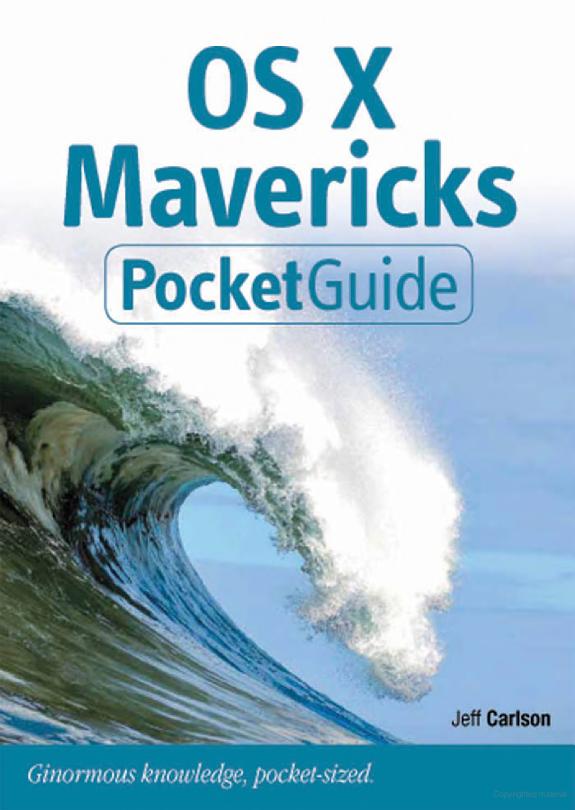
OS X Mavericks Pocket Guide
by Jeff Carlson
264 pages· 2013· ISBN 9780133551853
About
This low-priced, practical guide is packed with handy information for people who want to jump right in and start using OS X Mavericks. Author Jeff Carlson is like your smart techy neighbor, sitting at elbow guiding you through how to get the most out of Mavericks. Jeff will show you how to: Download, set up, and start using Mavericks Manage files with iCloud Swipe, pinch, and scroll: Master Mavericks' Mult-Touch gestures Install applications from the Mac App Store Stay in touch: Enjoy video call with family and friends with FaceTime and chat them up with Messages Don't miss another email or family event with Notifications Read your ebooks with iBooks In addition, Jeff offers plenty of tips and tricks for getting the most from Mavericks.
Discuss OS X Mavericks Pocket Guide with other readers
Join or start a book club for OS X Mavericks Pocket Guide on Readfeed. Live chat, shared reading progress, and AI discussion questions — free to get started.
Frequently asked questions
How do I join a book club for OS X Mavericks Pocket Guide?
Sign up free on Readfeed, then browse public clubs or start your own club with OS X Mavericks Pocket Guide as the current read. Invite friends with a share link and discuss together with live chat and AI discussion questions.
Can I discuss OS X Mavericks Pocket Guide with other readers online?
Yes. Readfeed book clubs let you chat live, share progress, and join discussions about OS X Mavericks Pocket Guide with readers worldwide — whether your club is virtual, in-person, or hybrid.
Is Readfeed free?
Yes. Creating an account and joining book clubs is free. Sign up to find readers who love the same books and start discussing today.