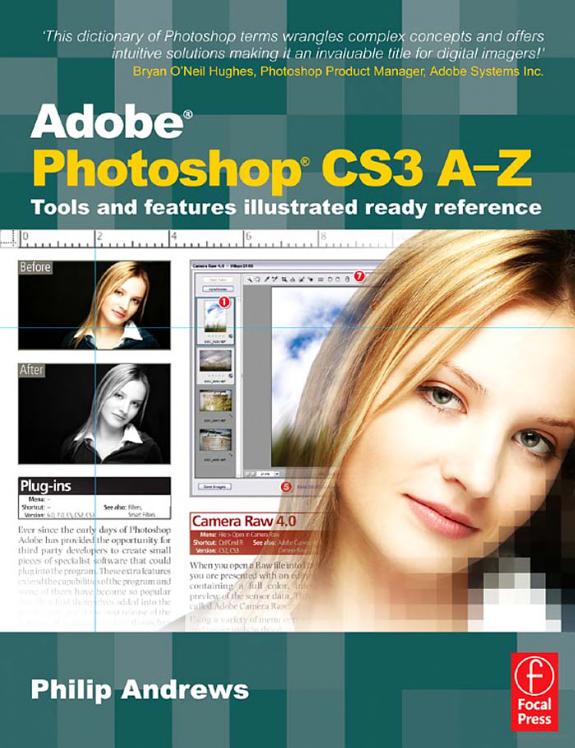
Adobe Photoshop CS3 A-Z

Adobe Photoshop CS3 A-Z

Tools and Features Illustrated Ready Reference

by Philip Andrews

320 pages· 2013· ISBN 9781136102868

Browse books you can read free on Readfeed

No club is reading this yet — be the first to start one

Start a club free
About
Find solutions quick with this accessible encyclopedic guide. Conveniently organized in a clear A-Z format, this illustrated ready reference covers every action you are likely to make as a photographer. You'll never want it far from your side while you work with Photoshop. * Covers all of Photoshop's mass of tools concisely in an intuitive, colorful layout * New section shows you fast solutions for everyday editing tasks: step-by-step tutorials illustrate how to conquer key tasks and techniques * Fully updated for CS3 * Includes all versions of Photoshop-shortcut keys specify which version of Photoshop is applicable This visual resource is the ideal companion to every Photoshop book on your shelf. Associate website www.Photoshop-A-Z.com features matching video tutorials for each step-by-step tutorial. For Photoshop users at all levels-covers everything from the everyday to the hidden features you need in a pinch. Dodge the frustrations that can come with time-sensitive, quality work with Philip Andrews. Philip is a professional photographer, digital photography teacher, magazine editor, and best-selling international author. Filled with practical advice from one photographer to another, Philip uses his trademark straight-talking style to ensure that everyone can get to grips with all the features of CS3 quickly and confidently. "Beyond just delivering accurate information, Philip books are always up to date and very enjoyable to read. Philip's tutorials deliver to you an easy, approachable style rarely found in software instruction...an extremely valuable reference" Bryan O'Neil Hughes, Photoshop Product Manager, Adobe Systems Inc. On previous editions: "If you ever wanted a quick reference guide to the mass of tools in Photoshop, then this is the answer...Keep it to hand as a quick and easy guide." - Which Digital Camera "Each section is expressed clearly with simple buy highly effective and user-friendly illustrations... you should definitely have to hand while working at your computer." - Amateur Photographer

Discuss Adobe Photoshop CS3 A-Z with other readers

Join or start a book club for Adobe Photoshop CS3 A-Z on Readfeed. Live chat, shared reading progress, and AI discussion questions — free to get started.

Frequently asked questions

How do I join a book club for Adobe Photoshop CS3 A-Z?

Sign up free on Readfeed, then browse public clubs or start your own club with Adobe Photoshop CS3 A-Z as the current read. Invite friends with a share link and discuss together with live chat and AI discussion questions.

Can I discuss Adobe Photoshop CS3 A-Z with other readers online?

Yes. Readfeed book clubs let you chat live, share progress, and join discussions about Adobe Photoshop CS3 A-Z with readers worldwide — whether your club is virtual, in-person, or hybrid.

Is Readfeed free?

Yes. Creating an account and joining book clubs is free. Sign up to find readers who love the same books and start discussing today.